
Sync SportsEngine to Google Calendar — The Real Subscribe URL
SportsEngine (and the older NGIN backend) has supported iCal subscribe URLs for years, but they're tucked into different menus depending on whether you're on the web dashboard or the mobile app. Below are both paths — pick whichever matches what you have open right now.
Why sync SportsEngine to Google Calendar?
SportsEngine powers a huge slice of youth-soccer, hockey, and lacrosse leagues — but the iCal subscribe URL is buried under menus that move depending on whether you're on web or mobile, and Google's own docs admit subscribed calendars can lag 24 hours. CalPilot finds the same feed, polls it every 15 minutes, and writes events directly into your Google Calendar so a rescheduled game doesn't ambush your family's weekend. And because SportsEngine's account-level “My Calendar” feed bundles every team you're rostered on into one link — one combined feed for the whole family — CalPilot can split that single feed into a separate, labeled view per kid or team, with no duplicate events.
How to find your SportsEngine subscribe link
- 1
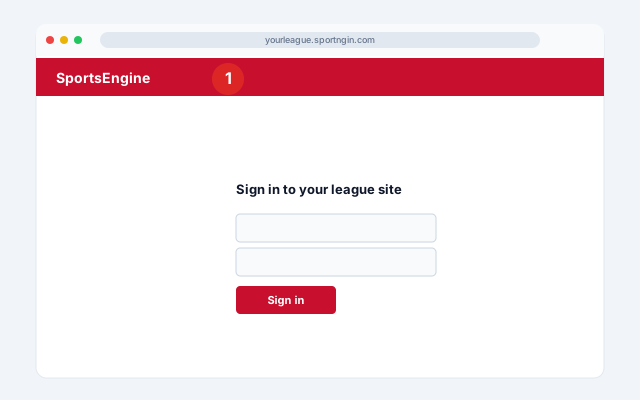
Web — sign in to your league site
Sign in to your SportsEngine account at your league's site (often yourleague.sportngin.com or a custom domain).
- 2
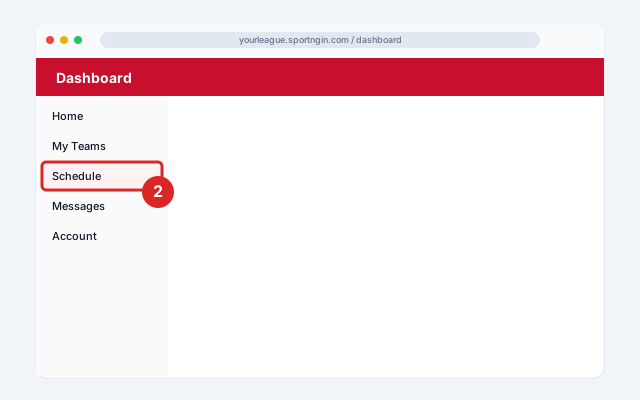
Web — open Schedule
From your user dashboard, click the Schedule tab in the left sidebar.
- 3
Web — Sync Schedule
In the top-right corner, click Sync Schedule.

- 4
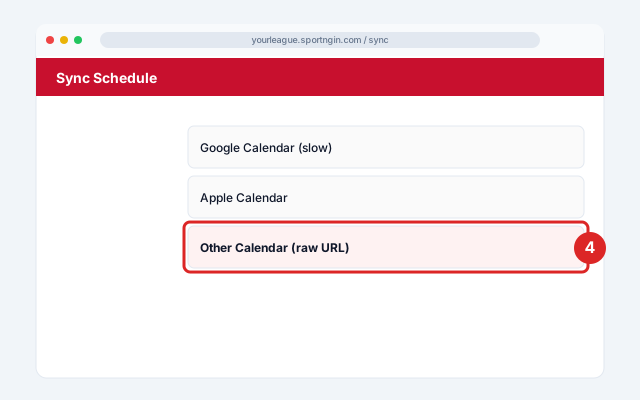
Web — choose Other Calendar
Choose Other Calendar and click Copy — this gives you the raw iCal URL. Don't choose Google Calendar directly; that path uses Google's slow native subscribe.
- 5
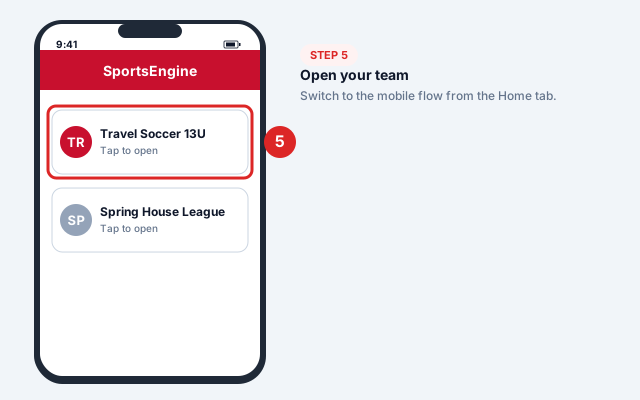
Mobile — open your team
From the Home tab, tap the team you want to sync.
- 6
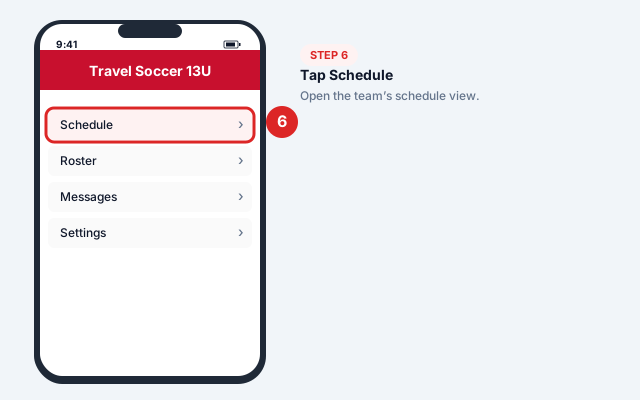
Mobile — tap Schedule
Tap Schedule on the team page.
- 7
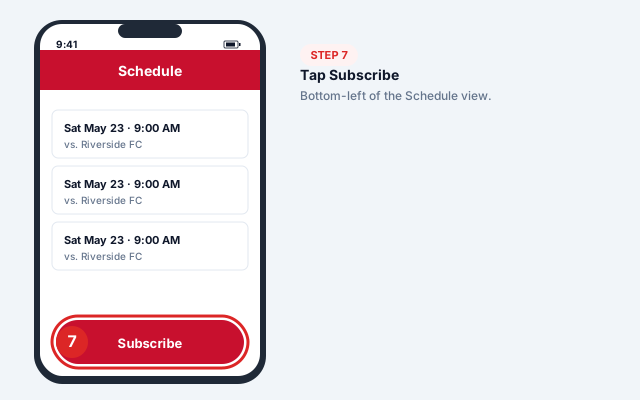
Mobile — Subscribe
Tap Subscribe in the bottom-left corner.
- 8
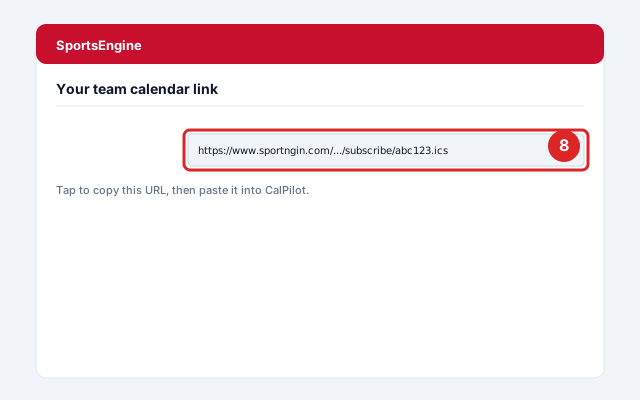
Mobile — send the link by email
Choose Apple Calendar or Google Calendar — SportsEngine emails you the underlying URL. Open the email and copy the URL.
- 9
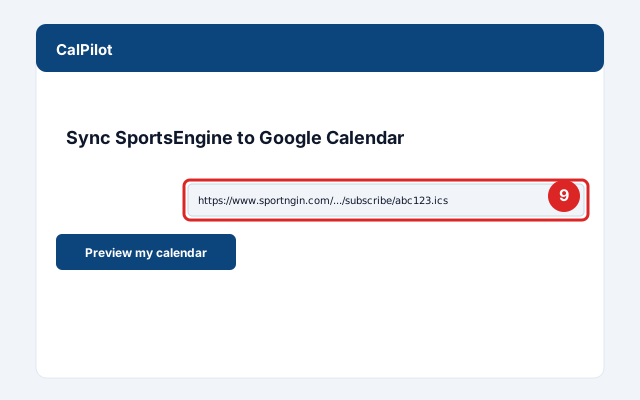
Paste into CalPilot
Paste it above to preview your next games and practices.
Official screenshots and the latest menu paths: SportsEngine Help Center.
Got your link? Paste it here:
Common issues and fixes
Subscribe button missing
The org admin has disabled public subscribe for that team. Workaround: use the personal calendar feed from your account dashboard, which includes all teams you're rostered on.Schedule changes lag 24 hours
SportsEngine's own docs confirm web-calendar sync can take up to 24 hours. CalPilot's 15-minute polling fixes this.Combined schedules show old teams
SportsEngine auto-updates combined schedules to current teams only, but Google may cache old versions. Re-subscribe to refresh.
Frequently asked questions
Related sync guides
TeamSnap
Find the iCal URL TeamSnap hides on the web, then mirror it in 15 minutes — not 24 hours.
GameChanger
Baseball, softball, and Game Stream apps — 15-minute refresh, no more missed rainouts.
iCloud
Mirror iCloud calendars (including Family Sharing) into Google Calendar without changing your default app.
CalPilot was built by Eric Weissmann — a baseball dad who got tired of retyping game schedules every week and missing rescheduled games because Google Calendar hadn't refreshed in time. More about the project.