
Sync Outlook to Google Calendar (Work-Safe, Read-Only)
If your job uses Outlook/Office 365 but your personal life lives in Google Calendar, Outlook's built-in "Publish a calendar" feature gives you an ICS link Google can subscribe to. But Microsoft's own docs note that Google can take 24+ hours to refresh, which makes it useless for last-minute schedule changes. CalPilot mirrors the same ICS link with 15-minute refresh.
Why sync Outlook to Google Calendar?
Most people's work and personal calendars live on different platforms — Outlook for the job, Google for the family. Outlook lets you publish a read-only ICS link to share that calendar, but anything that subscribes to it via Google's native flow refreshes slowly. CalPilot polls the same Outlook-published link every 15 minutes and writes events into your personal Google Calendar without ever needing your work credentials.
How to find your Outlook subscribe link
- 1
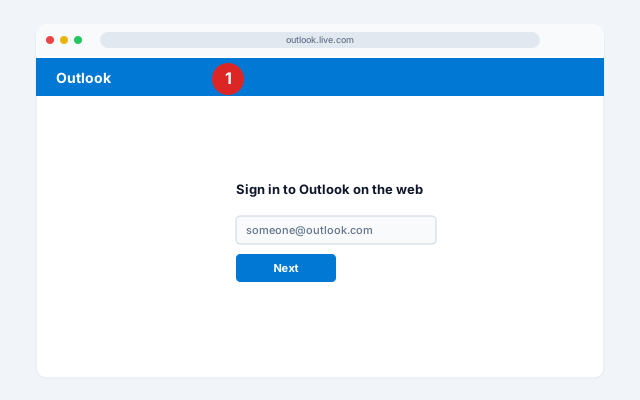
Open Outlook on the web
Open Outlook on the web (outlook.live.com for personal accounts or outlook.office.com for work).
- 2
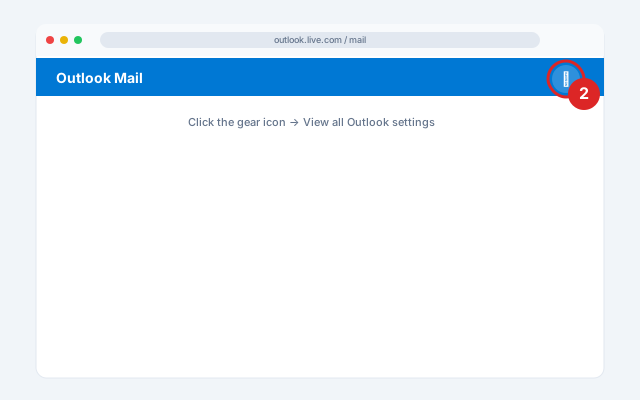
Open Settings
Click the gear icon (top-right) → View all Outlook settings at the bottom of the panel.
- 3
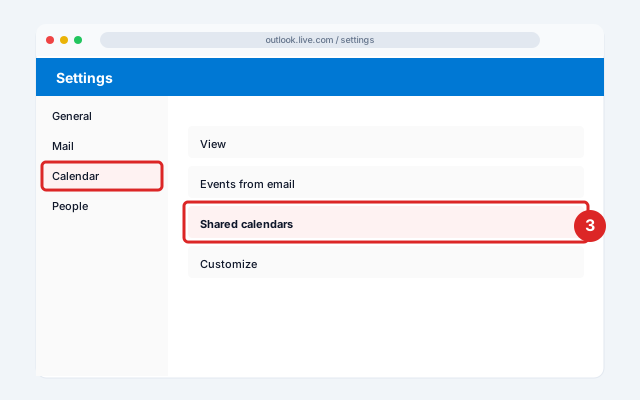
Calendar → Shared calendars
In the left panel, click Calendar → Shared calendars.
- 4
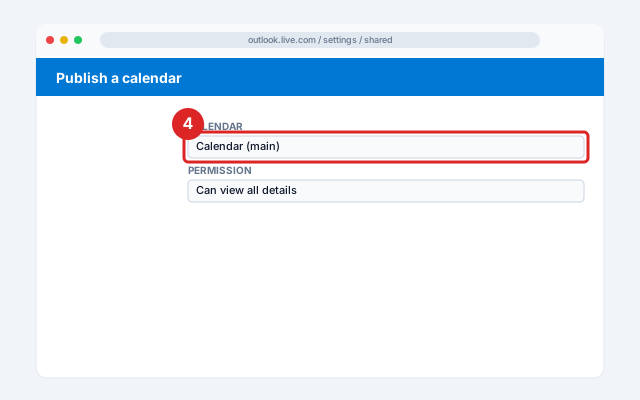
Pick the calendar to publish
Under Publish a calendar, choose the calendar you want to publish from the dropdown.
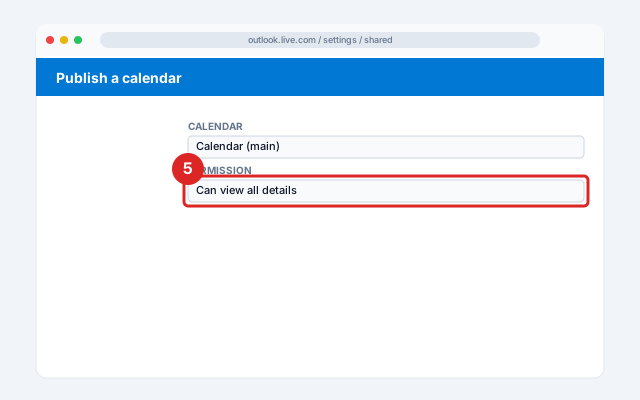
- 5
Set permission to "Can view all details"
Set permission to Can view all details (anything less, and Google won't see event titles or locations).
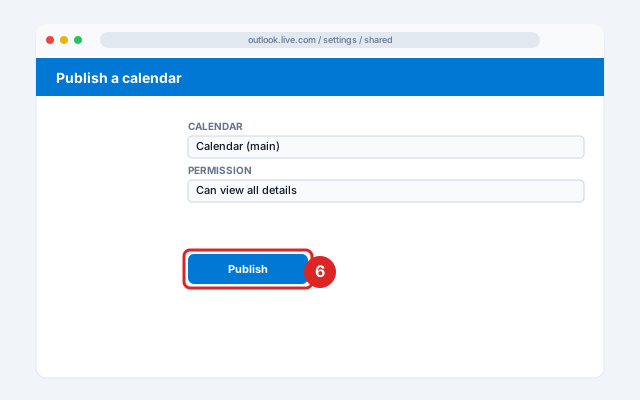
- 6
Click Publish
Click Publish.
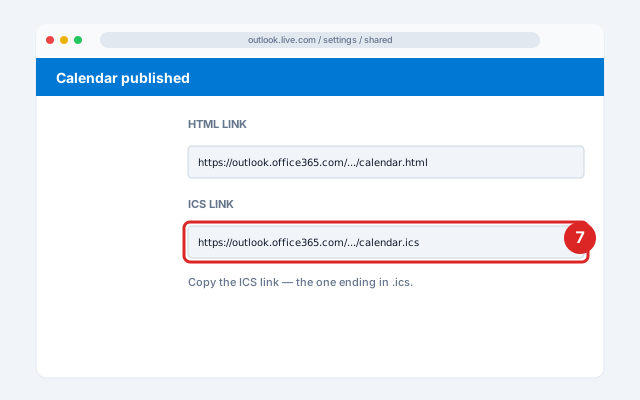
- 7
Copy the ICS link
Outlook shows two URLs: an HTML link and an ICS link. Copy the ICS link (the one ending in .ics).
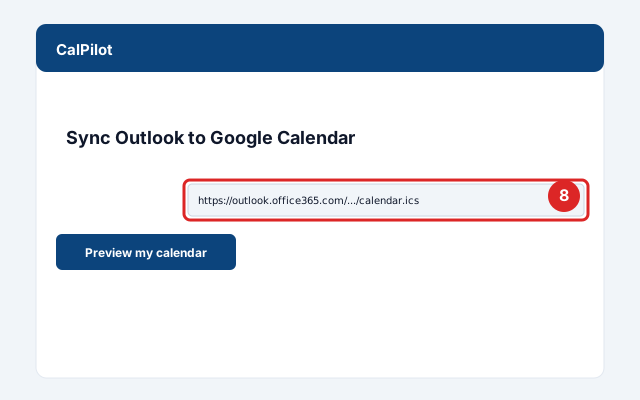
- 8
Paste into CalPilot
Paste it above to preview your next meetings.
Official screenshots and the latest menu paths: Outlook Help Center.
Got your link? Paste it here:
Common issues and fixes
My company has disabled calendar publishing
Common for corporate Office 365 tenants. Workarounds: ask IT to enable it, or use Microsoft Graph OAuth (CalPilot Premium feature, if you build it). There's no other reliable way.Private events show "Private Appointment"
Outlook strips details from private-marked events when publishing — that's intentional Microsoft behavior, not a bug.Recurring meetings duplicate
Some recurring rules don't translate cleanly between Outlook's exceptions handling and Google's iCal parser. CalPilot normalizes these.Events show in the wrong time zone
Confirm your Outlook account timezone matches your Google Calendar default. Mismatches cause time drift.
Frequently asked questions
Related sync guides
iCloud
Mirror iCloud calendars (including Family Sharing) into Google Calendar without changing your default app.
GameChanger
Baseball, softball, and Game Stream apps — 15-minute refresh, no more missed rainouts.
TeamSnap
Find the iCal URL TeamSnap hides on the web, then mirror it in 15 minutes — not 24 hours.
CalPilot was built by Eric Weissmann — a baseball dad who got tired of retyping game schedules every week and missing rescheduled games because Google Calendar hadn't refreshed in time. More about the project.